

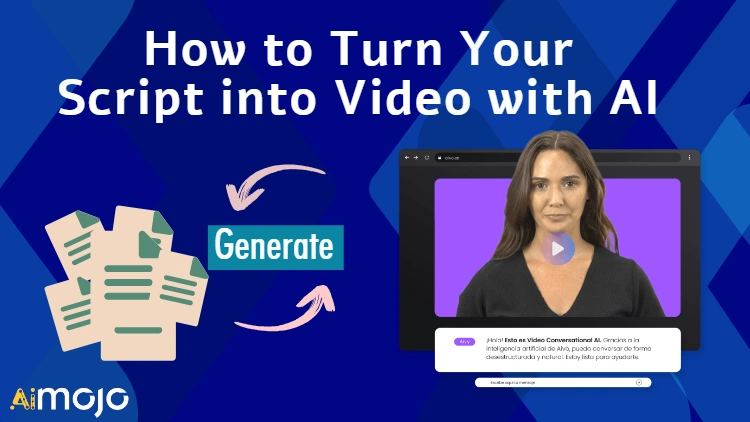
Video content has exploded in popularity in recent years. By 2025, 82% of all internet traffic is expected to come from video streaming and downloads. This presents a major opportunity for content creators to reach wider audiences by transforming their scripts and ideas into compelling videos.
However, producing high-quality video content has traditionally required expensive equipment, specialized skills, and a lot of time. This is where artificial intelligence comes in. AI tools like Steve.ai are revolutionizing video creation by enabling anyone to turn written scripts into professional videos in minutes without any technical expertise.
With intuitive AI assistants that write, direct, and edit, these tools handle all the heavy lifting. Creators simply input their script, select a style, and the AI generates a broadcast-ready video complete with visuals, music, voice-overs and more. The global AI video generator market already hit $495 million in 2023, and is projected to grow at an astonishing 22% CAGR in the coming years.
As AI continues to democratize professional video production, now is the time for writers, marketers, educators and entrepreneurs to unlock the power of video content. In this guide, you’ll discover the different types of videos you can create with AI and how to turn your ideas into videos that captivate audiences and drive results.
What is Script into Video?
“Script to Video” refers to the process of converting a written script into a visual and auditory experience in the form of a video. This process is increasingly being powered by artificial intelligence (AI), which can automate and streamline the creation of videos from scripts. AI-driven script to video tools enable users to input their written content and, through the use of advanced algorithms and media assets, generate videos that include voiceovers, animations, and other visual elements.

These AI tools are designed to be user-friendly, allowing even those with no prior video production experience to create professional-looking videos quickly. The technology behind script to video can include text-to-speech for narration, automatic selection of relevant visuals, and synchronization of audio with on-screen content.
This innovation is particularly beneficial for content creators, marketers, educators, and businesses looking to produce video content at scale without the traditional costs and time associated with video production. With the rise of video as a dominant form of online content, script to video AI tools are becoming an essential asset for efficient and effective digital storytelling.
Why use AI-Powered Tools to Make Videos from Script?
In the world of video production, the use of scripts is crucial, and the integration of Artificial Intelligence (AI) tools can significantly enhance this process. A script serves as a roadmap for the video.
It helps in planning and preparing the different aspects that come into play during production. AI tools can assist in the scriptwriting process by generating new ideas, improving the quality of scripts, and providing real-time feedback. They can help writers better understand their characters by analysing their personality traits, values, and motivations.
Examples of AI scriptwriting tools include ChatGPT, Jasper, ShortlyAI, Textcortex, and Writecream.
AI tools can also analyse a wide array of factors that contribute to a video's success, such as ideal video length, keyword optimization, and the best times to post, thereby helping you tweak your video for maximum impact.
Moreover, AI has revolutionized video production by automating many of the tedious, time-consuming, and labor-intensive tasks typically performed by human professionals. This not only makes the process more efficient but also improves the quality of the final product, eliminating the need for specialized skills, equipment, actors, and studios. The ability to tailor voice-overs, animations, subtitles, and more also allows for experimentation.
Video's unmatched potential to engage, educate and entertain makes script-to-video automation invaluable. In an increasingly crowded digital space, it presents an opportunity to captivate audiences and drive conversions. So, if impactful video content is integral to your marketing strategy, script-to-video tools provide an AI-powered solution to scale production. It's time to transform your ideas into visual stories that resonate.
Mastering the Art of Video Scriptwriting
Write the video script
- Identify the goal and target audience for your video.
- Determine the video length and format.
- Write out the full script including narration, visuals, etc.
Select a script-to-video AI tool
- Options include Invideo, Kapwing, Ssemble, etc.
- Choose one that fits your budget and has the features you need.
Input the script
- Copy and paste your text into the AI tool.
- Some tools allow you to upload a script file directly.
Customize the video
- Select visual styles, templates, music, etc.
- Add graphics, effects, titles, transitions as needed.
- Choose an AI voice/avatar if applicable.
Generate and preview
- Let the AI create a draft video from your script.
- Review and make sure it aligns with what you envisioned.
Export and edit (optional)
- Download the final high quality video file.
- Use a separate editing tool for any additional tweaking.
Publish and promote
- Upload your AI-generated video to YouTube, social media, etc.
- Add relevant titles, descriptions, tags, captions.
- Share widely to reach your target audience.
Highly Rated AI Tools for Script-to-Video Creation
| Tool Name | Pricing | Rating |
|---|---|---|
| Synthesia | $22/month | 4.7/5 |
| Steve | $15/month | 4.5/5 |
| Wondershare DemoCreator | N/A | 4.4/5 |
| Visla | Free (Basic plan) | 4.2/5 |
1. Synthesia
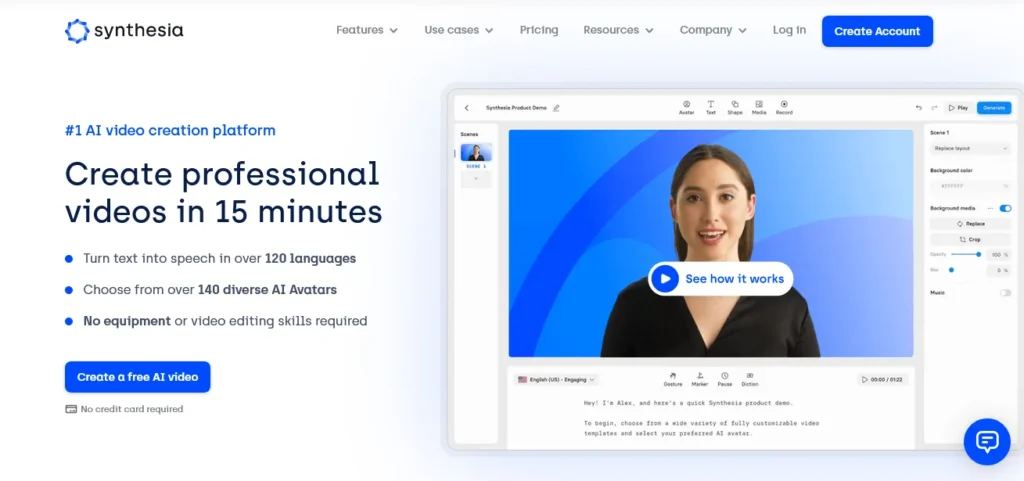
Synthesia is a leading AI video creation platform that stands out for its ability to turn scripts into engaging videos with ease. Its key feature is the Script to Video Creation, which allows users to input text and transform it into professional voiceovers narrated by AI avatars. This innovative tool supports over 120 languages, making it versatile for a global audience. Synthesia's Text to Video capability is particularly noteworthy; it enables the conversion of text prompts and documents into professional-looking videos with just a few clicks.
The platform offers a range of AI avatars and voice tones to choose from, ensuring that the videos produced are not only informative but also engaging and tailored to the target audience. With Synthesia, users can create high-quality videos directly in their browser without the need for technical knowledge or separate video editing software, making it an accessible solution for content creators of all skill levels.
2. Steve

Steve AI is an innovative AI video generator that simplifies the process of turning scripts into captivating videos. Its standout feature, the Script to Video Creation, allows users to input text and watch as Steve AI's advanced algorithms transform it into animated or live-action videos. This tool is particularly useful for content creators, educators, and marketers who want to produce high-quality videos without the need for extensive video editing skills or resources.
The platform's Text to Video capability is designed to be user-friendly, enabling even those with no prior experience in video production to create professional-looking content. With a vast library of media assets and customizable templates, Steve AI provides a seamless experience from script to screen. Users can also add voiceovers, music, and captions to enhance their videos, making the content more engaging and accessible to a wider audience
Steve AI's technology is not only efficient but also versatile, supporting a range of video types including educational, marketing, and social media content. This AI-powered tool is transforming the way stories are told, making video creation more accessible and less time-consuming.
3. Wondershare DemoCreator
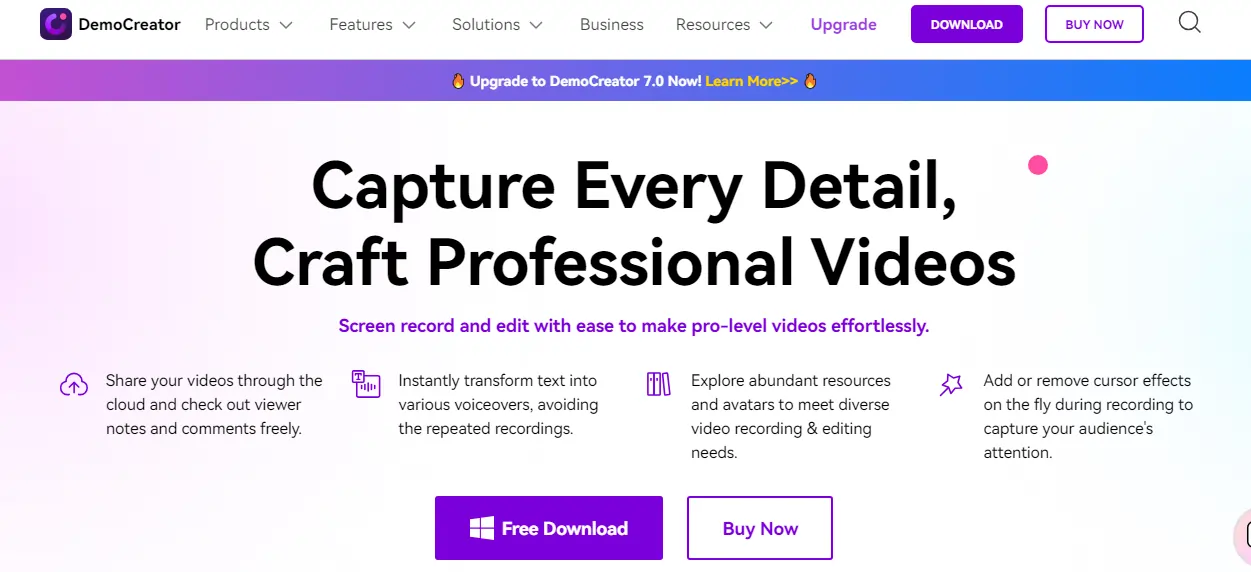
Wondershare DemoCreator is a comprehensive video creation tool that excels in transforming scripts into dynamic videos. Its Script to Video Creation feature allows users to input text, which is then converted into engaging video content. This feature is particularly beneficial for educators, marketers, and content creators who need to produce high-quality videos without extensive video editing skills.
In addition to this, Wondershare DemoCreator's Text to Video capability is designed to be user-friendly, enabling users to convert text prompts into professional-looking videos with ease. This feature is complemented by a range of editing tools, including the ability to add voiceovers, music, and captions, enhancing the overall quality and accessibility of the videos.
Wondershare DemoCreator also offers a variety of advanced features such as screen recording, image to video conversion, and high-speed media conversion, making it a versatile tool for various video creation needs. Its AI technology optimizes video resolution, ensuring the production of high-quality content. With its user-friendly interface and powerful features, Wondershare DemoCreator is revolutionizing the process of video creation.
4. Visla
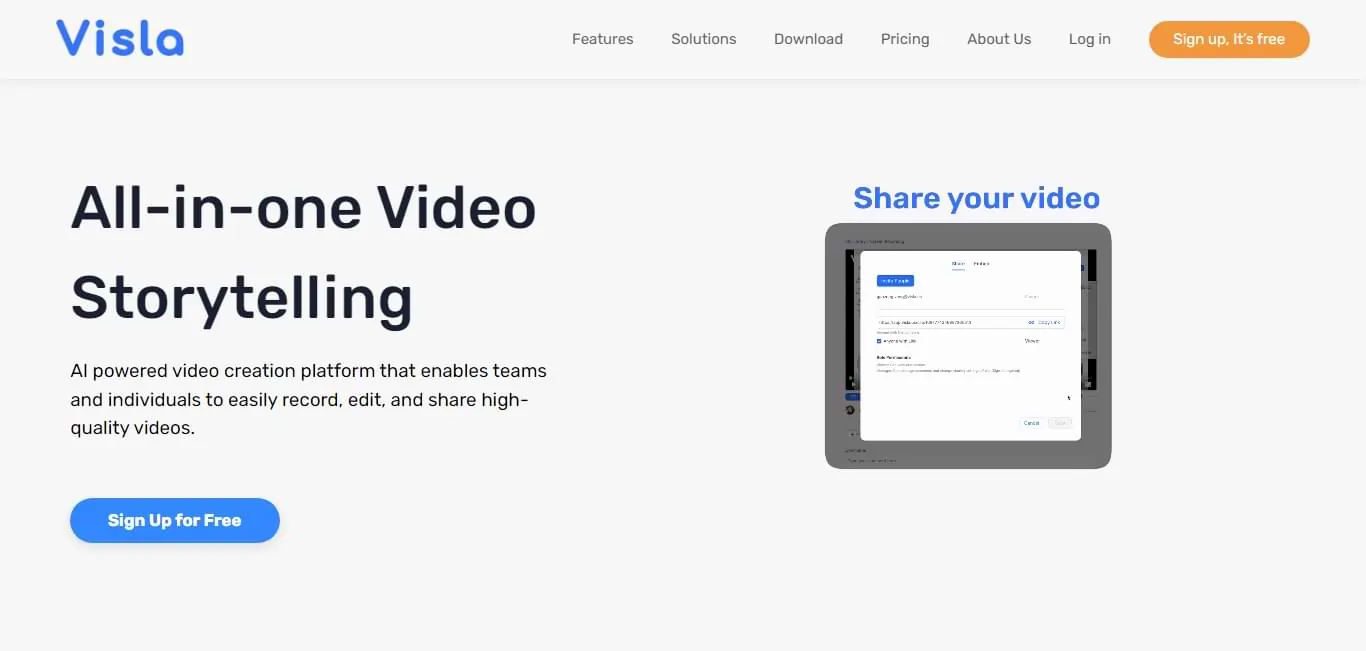
Visla is an AI-powered video creation platform that transforms scripts into high-quality videos. It offers a unique feature called “Idea to Video,” which allows users to input their ideas and customize the tone and style, and Visla handles the rest, turning these ideas into engaging videos.
Visla's AI technology can generate scripts from multiple ideas within a single project, and users can easily revise the script to turn it into a professional video demo. The platform also recommends footage to add visual interest to the video, saving users time in finding relevant footage for their scripts
Visla's AI uses advanced deep learning algorithms to generate videos with unparalleled realis. It also offers transcript-based editing, which lets users cut, trim, and rearrange their video by editing the text.
Visla is designed for teams of all sizes and industries, making it a versatile tool for creating videos for marketing, sales, education, or entertainment. Despite its advanced features, Visla is user-friendly and does not require prior video editing experience.
Tips for Developing a Powerful Video Script
Developing a powerful video script is essential for creating engaging and effective video content. Here are some expert tips to help you craft a script that resonates with your audience and maximizes the impact of your video:
Write a concise, conversational script:
Structure your script effectively:
Refine through iterations:
Avoid common mistakes:
Leverage AI tools:
The Role of AI in Video Editing
Artificial Intelligence (AI) is revolutionizing the video editing process by automating various time-consuming tasks, making the process faster and more efficient. AI-powered video editing tools use algorithms that automatically identify and extract the most relevant parts of a video, such as objects, people, and backgrounds, significantly reducing the hours spent on the editing process.
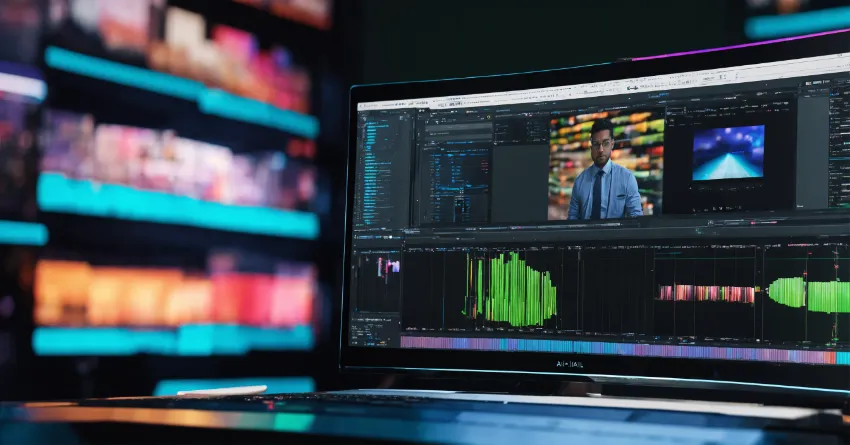
AI tools like Adobe Sensei are changing the game for film and video creation by speeding up transcription, editing, color, audio, captioning, and delivery workflows. They can analyze vast amounts of video footage, select the most relevant clips, automate video color correction, audio editing, and even the placement of subtitles and captions, enhancing the overall quality of video content during the editing process.
AI also introduces new creative opportunities. For instance, it can generate animated characters, realistic virtual backdrops, and even original music. Furthermore, AI can automate basic editing tasks, allowing editors to focus more on the creative aspects of filmmaking.
👉Also Read: Best AI Video Quality Enhancers in 2024.
AI in Multilingual Video Creation
Artificial Intelligence (AI) is playing a pivotal role in multilingual video creation, making content more accessible to a global audience. AI-powered tools like Steve, WavelAI, and Synthesia allow users to create videos in multiple languages, with features such as automatic translation, dubbing, and voiceover generation.
AI video translation tools can automatically transcribe the original video's audio, translate it into the desired language(s), and convert the text files into subtitles or dubbed voiceovers. This not only breaks down language barriers but also preserves the authenticity and personality of the content, ensuring it resonates with viewers worldwide.
FAQs Related to AI Script-to-Video Maker
How do I get started with an AI script-to-video maker?
Sign up for a tool like Invideo, Kapwing, or Ssemble and input your script text or upload your script file. Select a video template and customize the visuals, graphics, voice-over etc. as needed before exporting your AI-generated video.
What kind of scripts work best?
Conversational, concise scripts with short sentences work best. Structure your script clearly and include visual cues. Read your script aloud to refine it.
How accurate is the voice-over?
AI script-to-video tools use advanced text-to-speech technology, so voice-overs are human-like. You can choose different AI voices and accents for customization.
Can I edit the videos after they are created?
Yes, tools allow basic editing like trimming video clips or tweaking visuals. For advanced editing, export and edit in professional software like Adobe Premiere.
What video formats are supported?
You can export your AI videos as MP4s and MOVs. Some tools also support GIF, AVI, MKV export formats. Output resolution can be up to 4K.
How long does it take to create videos?
Video creation time depends on length but is very fast, usually just 1-2 minutes even for longer videos once the script is inputted.
How does an AI Script-to-Video Maker work?
AI Script-to-Video Makers work by taking your input, be it a script, article, or even a simple outline, and transforming it into a compelling visual narrative. They usually incorporate a range of elements like graphics, virtual presenters, voiceovers, and background music, all carefully selected and synchronized to match the content of the text.
What are the benefits of using an AI Script-to-Video Maker?
AI Script-to-Video Makers can significantly streamline content creation, saving cost and time. They can create engaging videos in a matter of minutes, even without any experience or video editing software. They also allow for the creation of videos in multiple languages, making them ideal for reaching a global audience.
Can I customize the videos created by an AI Script-to-Video Maker?
What types of videos can I create with an AI Script-to-Video Maker?
Do I need any special skills to use an AI Script-to-Video Maker?
Can AI Script-to-Video Makers generate scripts for me?
Are there any limitations to using an AI Script-to-Video Maker?
Recommended Readings:
Final Reflections
Video content creation is undergoing a revolution driven by advancements in artificial intelligence. As the data shows, global demand for online video continues to explode, with over 80% of internet traffic expected to come from video by 2025. To meet this demand, AI tools like script-to-video makers are empowering anyone to produce professional, broadcast-ready video content in a matter of minutes.
By automating tedious tasks like editing and graphics creation, these AI assistants handle the heavy lifting so creators can focus on storytelling. And with multi-language support and easy customization, AI makes high-quality video production accessible to all.
As a result, the AI video generator market is projected to grow at a 22% CAGR to be worth nearly $2 billion globally by 2030.With video dominating the digital landscape, now is the time for businesses, marketers, educators and creators to embrace the efficiency of AI. By transforming ideas and scripts into dynamic video content that resonates, engages and converts, AI unlocks video’s unmatched potential to communicate and connect in the digital age.